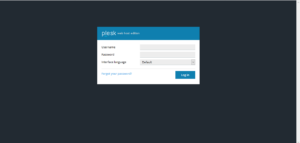
After that enter your username and password that is provided by web hosting provider. Then, click on “Login”
How to login into Windows PLESK Control Panel?
In this article we are going to explain how to login into the plesk control panel.
You can use the following URLs:
yourdomain.com:8880
After using the above URL you will get the login window as shown below: