Unlocking the Power of GPU Acceleration in Cloud Computing
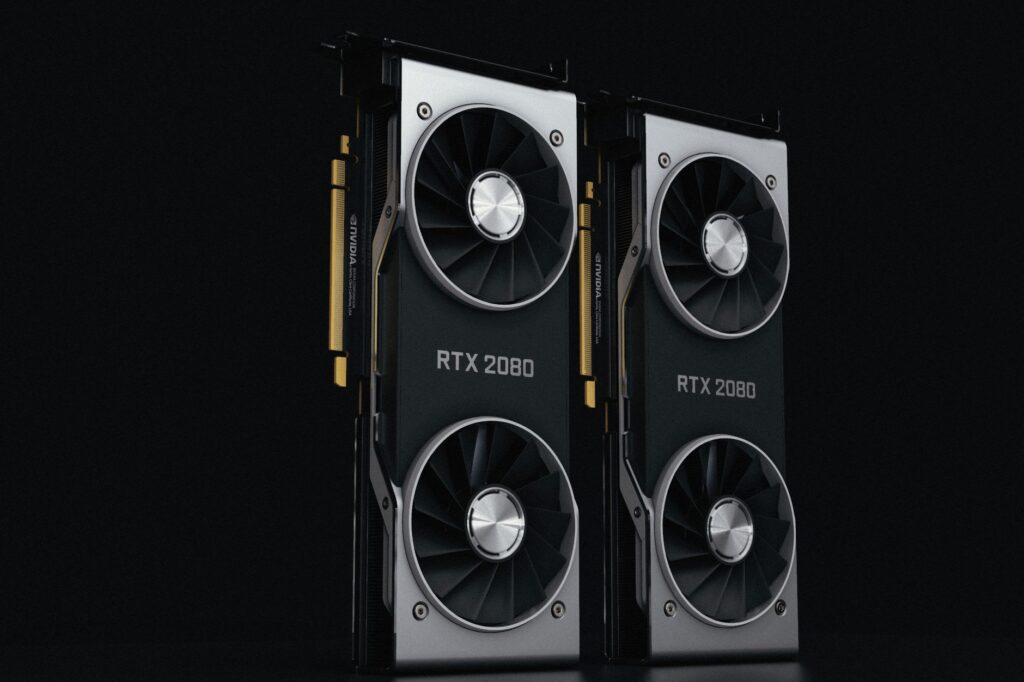
In the ever-evolving landscape of cloud computing, one of the most significant advancements has been the integration of Graphics Processing Units (GPUs). GPU acceleration has revolutionized the way we approach modern workloads, offering unprecedented levels of performance, efficiency, and scalability. As a seasoned Linux administrator, I’ve seen firsthand the impact of GPU acceleration on our clients’ workloads. In this article, we’ll dive into the world of GPU acceleration in cloud computing, exploring its benefits, Linux support, popular frameworks, and use cases.
Introduction to GPU Acceleration in Cloud Computing
What is a GPU and How Does it Differ from a CPU
A GPU is a specialized electronic circuit designed to quickly manipulate and alter memory to accelerate the creation of images on a display device. Unlike Central Processing Units (CPUs), which are designed for general-purpose computing, GPUs are optimized for parallel processing, making them ideal for tasks that require massive amounts of data processing. While CPUs are great for handling sequential tasks, GPUs can handle thousands of threads simultaneously, resulting in significant performance gains. At OwnWebServers, we’ve seen our clients achieve up to 100x faster compute times with GPU acceleration.
Benefits of GPU Acceleration in Cloud Computing
Reducing Compute Time and Increasing Efficiency
GPU acceleration in cloud computing reduces compute time and increases efficiency by allowing businesses to process large datasets, perform complex simulations, and analyze vast amounts of data in a fraction of the time it would take on traditional CPU-based systems. This not only saves time but also reduces costs associated with prolonged compute times. Our clients have reported significant cost savings after migrating their workloads to GPU-accelerated cloud instances.
Linux Support for GPU Acceleration
Most modern Linux distributions support GPU acceleration, including Ubuntu, CentOS, and Red Hat Enterprise Linux. This means that businesses can easily integrate GPU acceleration into their existing Linux-based infrastructure, without the need for significant changes or investments. At OwnWebServers, we offer pre-configured Linux distributions with NVIDIA and AMD GPU drivers, making it easy for our clients to get started with GPU acceleration.
Popular Frameworks for GPU Computing
NVIDIA’s CUDA and AMD’s ROCm
NVIDIA’s CUDA and AMD’s ROCm are two popular frameworks for GPU computing, with extensive support in Linux environments. These frameworks provide developers with the tools and libraries needed to build and optimize GPU-accelerated applications. Our team of experts has worked with both frameworks and can attest to their ease of use and performance benefits.
Use Cases for GPU-Enabled Cloud Servers and VPS
AI, Deep Learning, Gaming, and Scientific Simulations
GPU-enabled cloud servers and VPS are ideal for a wide range of use cases, including AI, deep learning, gaming, and scientific simulations. With the massive parallel processing capabilities of GPUs, businesses can train complex AI models, simulate complex systems, and render graphics-intensive applications in real-time. We’ve seen our clients use GPU acceleration for everything from video encoding to high-performance computing.
Containerization and GPU Acceleration
Docker, Kubernetes, and Simplified Deployment
Containerization platforms like Docker and Kubernetes support GPU acceleration, simplifying deployment and management. With containerization, businesses can easily package and deploy GPU-accelerated applications, without worrying about underlying infrastructure or compatibility issues. Our team has extensive experience with containerization and can help our clients navigate the complexities of deploying GPU-accelerated applications.
Applications of GPU-Accelerated Cloud Instances
Video Encoding, Data Analytics, and High-Performance Computing
GPU-accelerated cloud instances can be used for a wide range of applications, including video encoding, data analytics, and high-performance computing. With the massive parallel processing capabilities of GPUs, businesses can quickly encode and transcode video content, analyze large datasets, and perform complex simulations in real-time. We’ve seen our clients achieve significant performance gains in these areas.
Growing Demand for GPU Acceleration in Cloud Computing
The adoption of GPU acceleration in cloud computing is growing rapidly, driven by increasing demand for AI, machine learning, and high-performance computing. As businesses continue to push the boundaries of innovation and scalability, the need for GPU acceleration will only continue to grow. At OwnWebServers, we’re committed to providing our clients with the latest GPU-accelerated cloud infrastructure to support their growing needs.
Choosing the Right GPU-Enabled Cloud Server for Your Workload
When choosing a GPU-enabled cloud server, there are several factors to consider for optimal performance. These include:
- GPU type and model: Different GPUs offer varying levels of performance and compatibility.
- Memory and bandwidth: Ensure that the GPU has sufficient memory and bandwidth to handle your workload.
- Software and drivers: Ensure that the GPU is compatible with your software and drivers.
- Scalability and flexibility: Choose a cloud provider that offers scalable and flexible GPU-enabled cloud servers.
Best Practices for GPU Acceleration in Cloud Computing
To get the most out of GPU acceleration in cloud computing, follow these best practices:
- Choose the right GPU Dedicated Servers for your workload.
- Optimize your application for GPU acceleration.
- Monitor and manage GPU usage.
- Ensure proper cooling and maintenance.
Troubleshooting GPU Acceleration in Cloud Computing
| Symptom | Cause | Fix |
|---|---|---|
| GPU not recognized | Driver issues or incompatible GPU | Update drivers or ensure compatibility |
| GPU performance issues | Insufficient memory or bandwidth | Upgrade GPU or optimize application |
| GPU overheating | Improper cooling or maintenance | Ensure proper cooling and maintenance |
Conclusion
GPU acceleration in cloud computing has revolutionized the way we approach modern workloads, offering unprecedented levels of performance, efficiency, and scalability. With the right GPU-enabled cloud server, software, and drivers, businesses can unlock the full potential of GPU acceleration, driving innovation and growth in a wide range of industries. By following best practices and troubleshooting common issues, businesses can ensure optimal performance and reliability from their GPU-accelerated cloud infrastructure.